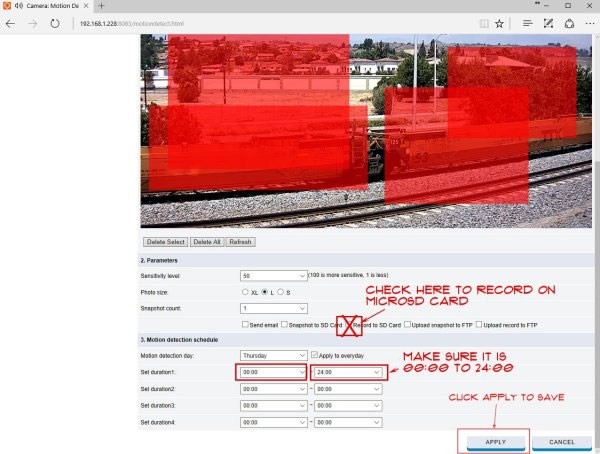
How To Make Alert Zones To Trigger The Motion For An SD Card Recording
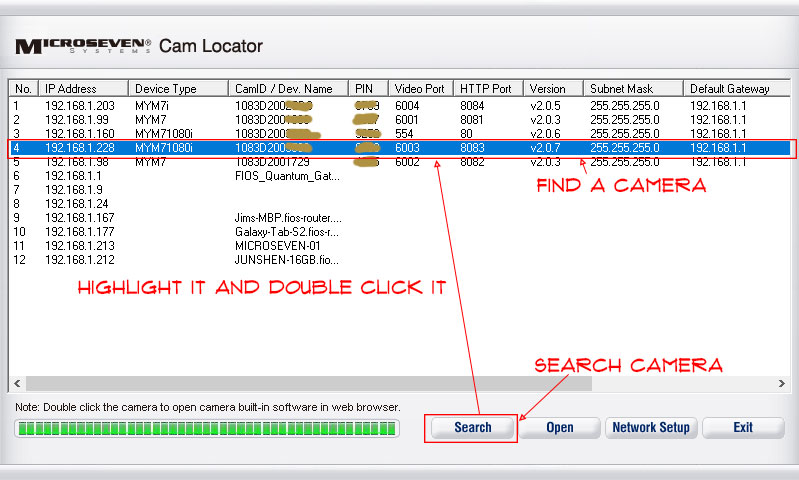
Step 1. Find camera in cam locator
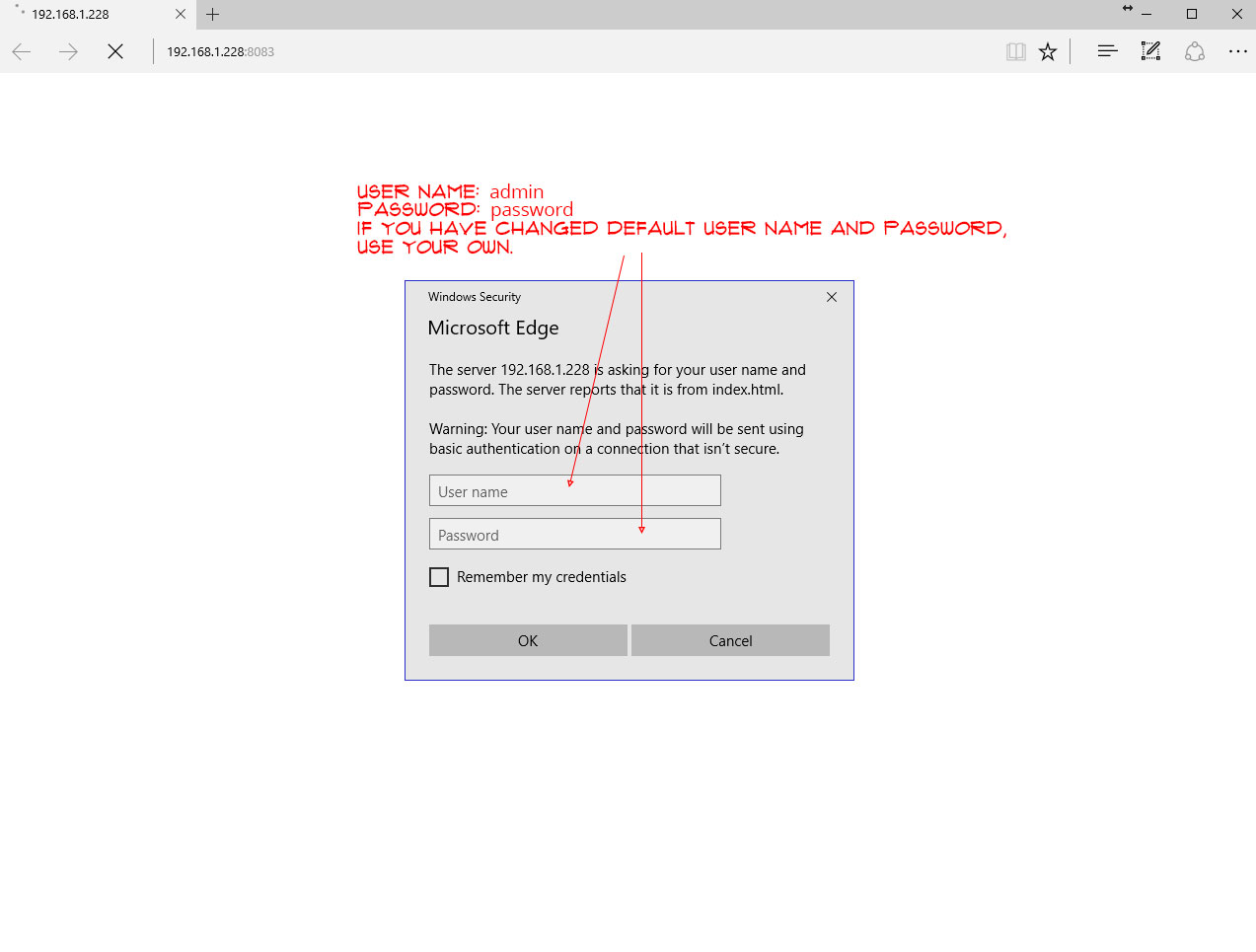
Step 2. Log in to a camera, “admin/password” is a default ‘User name’ and ‘Password’. You use your own if you have changed it.
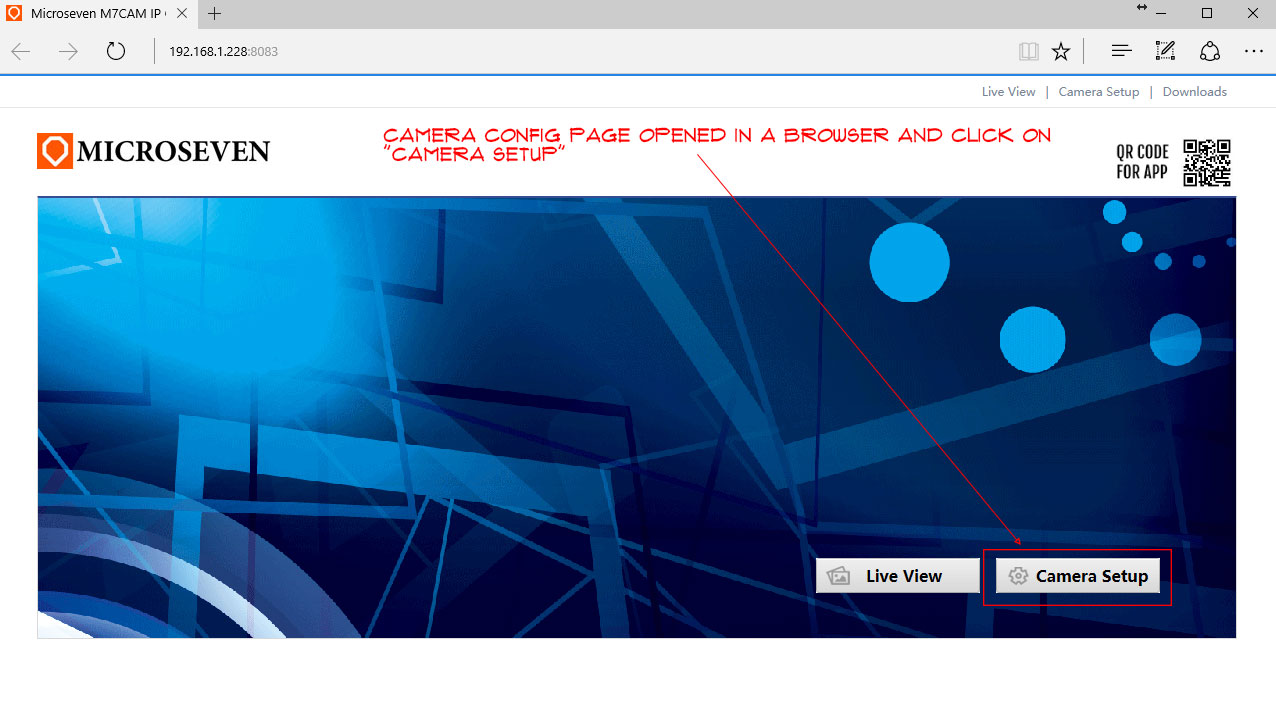
Step 3. Click on “Camera Setup”
Step 4. Select alert zone(s). Click on the video and hold the mouse button and drag the mouse to make a zone. The max zones are four.

Step 5. If you have a micro SD card in the camera, then check on a checked box “Record To SD Card.” Click on “APPLY” to save your settings.