how to remove AD on the mobile app
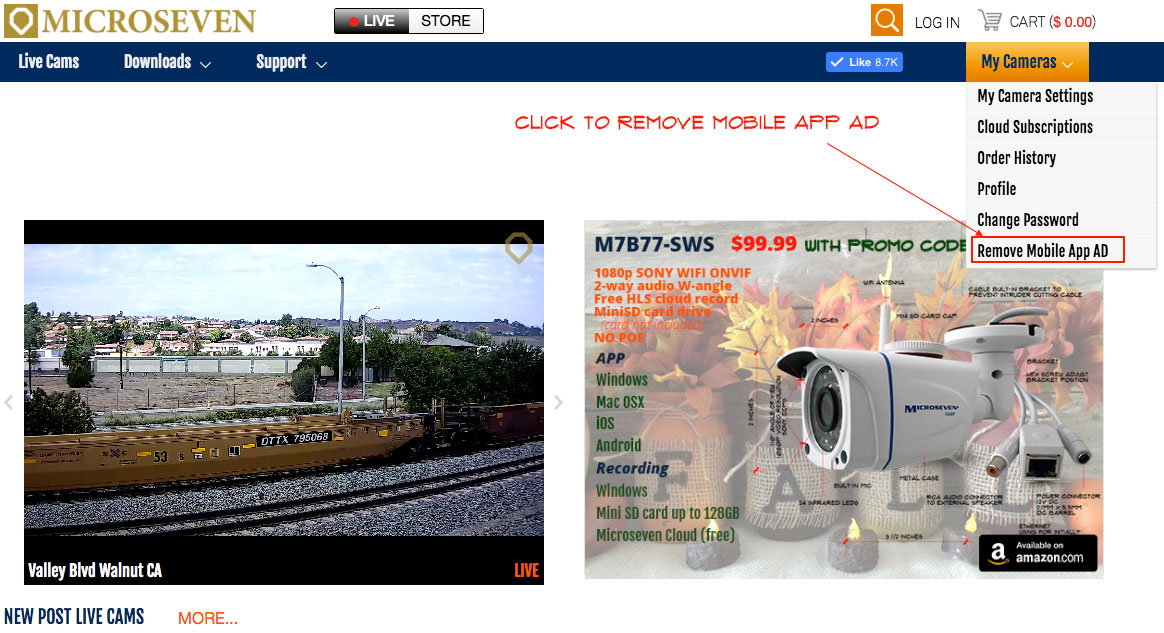
Go to the microseven.com site, click on “MY CAMERAS” and select “Remove Mobile App AD”. The AD will be removed permanently after you apply it.

how to remove AD on the mobile app
Go to the microseven.com site, click on “MY CAMERAS” and select “Remove Mobile App AD”. The AD will be removed permanently after you apply it.