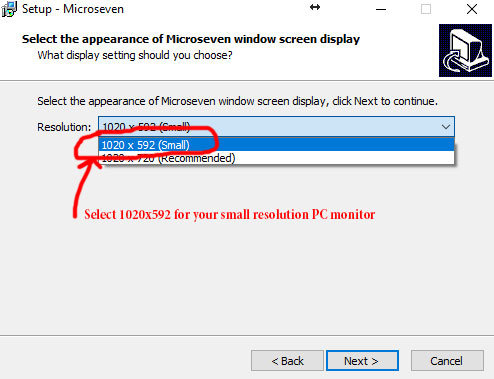
Here it presents snapshots to install M7CMS (Windows App) on a small resolution monitor on your PC.
Download software from the download menu at www.microseven.com. Start the installation by double click the download executable file. You follow the following steps:
Step1
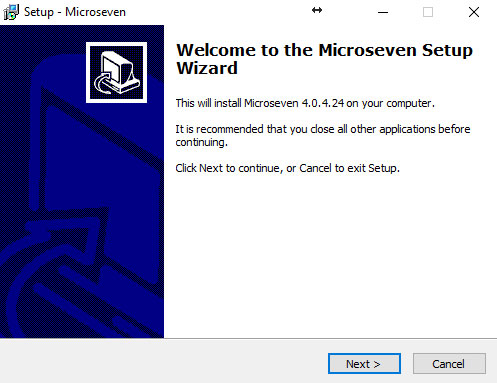
Then, click “Next”
Step2
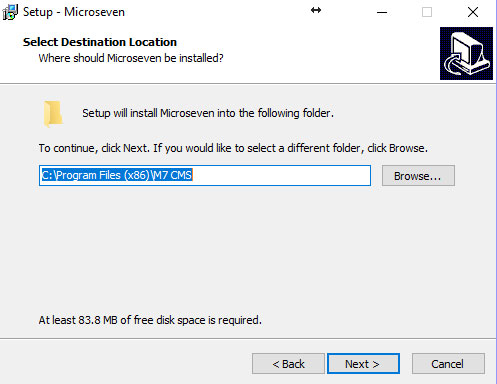
Then, click “Next”
Step3
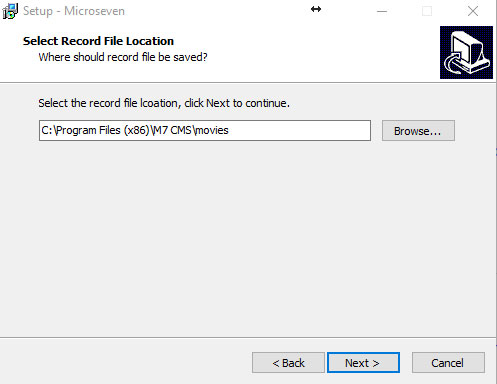
Then, click “Next”
Step4
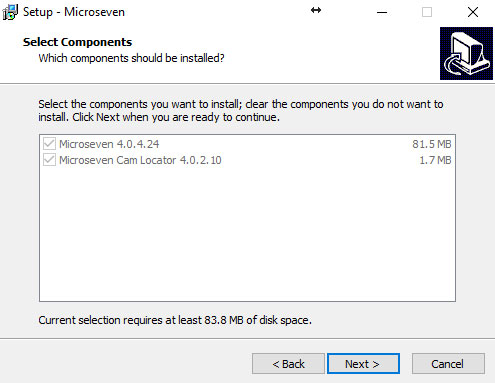
Then, click “Next”
Step5, you have to select 1020 x 592 (small) from a dropdown, then click “Next” and finish the rest of the installation.