How To Save Motion Alert Clips On Phone
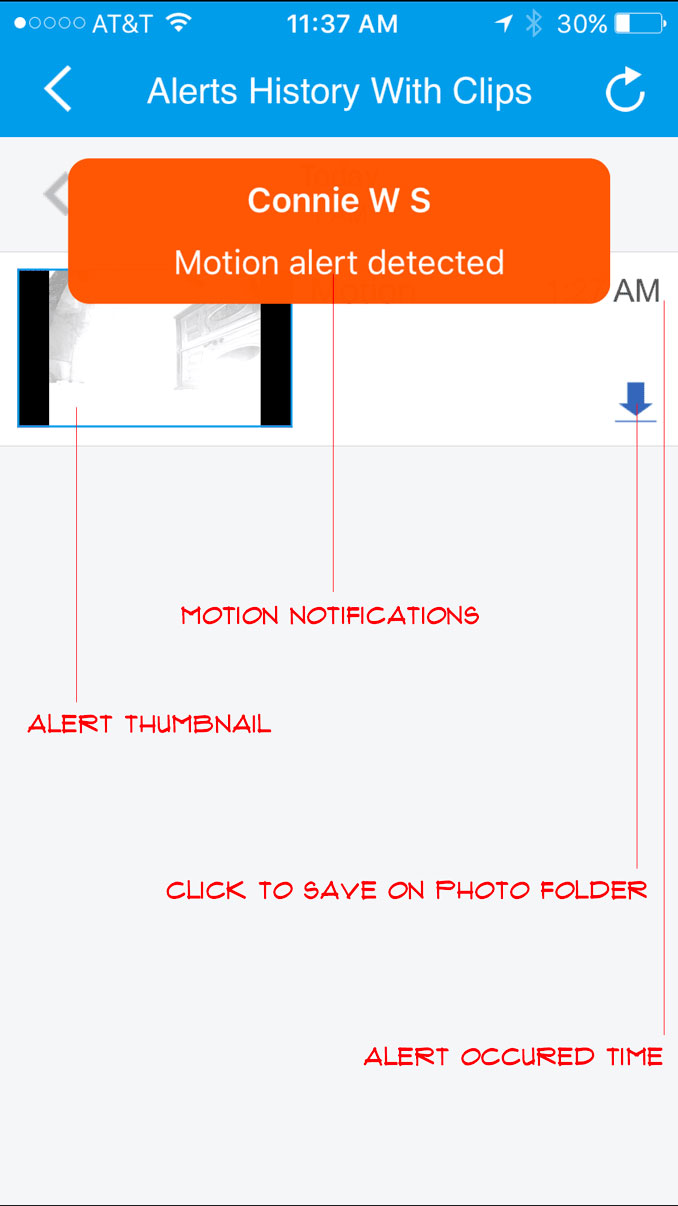
How to save motion alert clips on phone, go to clip on camera properties, then select on “Alert History With Clips”. Click on a download icon to save on Photo Folder on your phone.

How to save motion alert clips on phone, go to clip on camera properties, then select on “Alert History With Clips”. Click on a download icon to save on Photo Folder on your phone.